Changelog
Every update, in one place
New tools, faster exports and the small refinements that make recording, mocking up and shading feel quicker every release.
Sep 11, 2026
Version 3.0
New mockups. A smoother editing workflow.
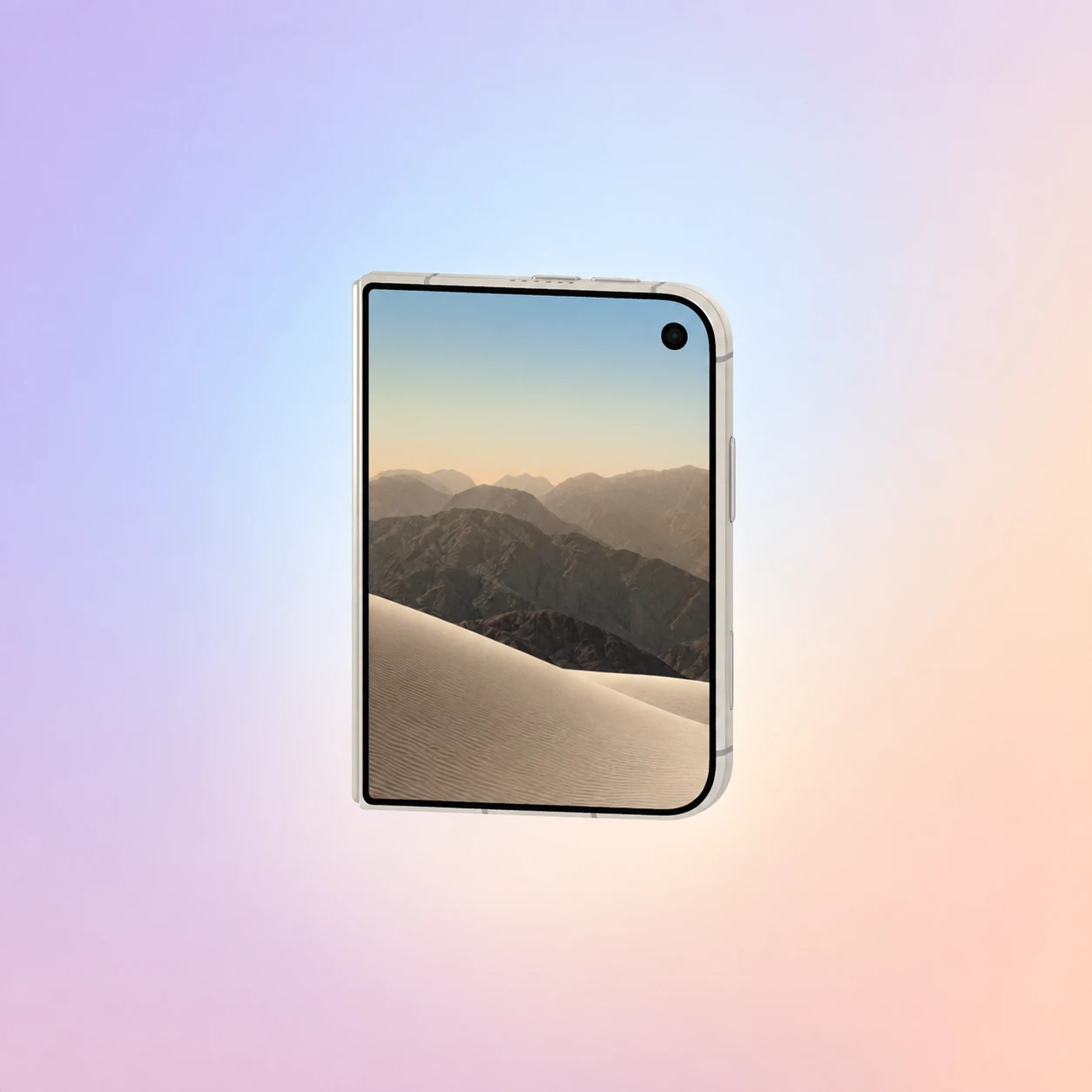
Meet MacBook Round Zoom and iPhone Duo, with a new project picker and improvements throughout the video editor.
Feature list
New MacBook Round Zoom and iPhone Duo mockups, with adjustable Duo finishes, camera angles, opening animations, and shadows.
A visual project picker to send edited videos into a new mockup or an existing project.
Video-editor performance and UX improvements: more predictable scrubbing, playhead-centered timeline zoom, and paused-frame crop editing.
Bring your recordings into a mockup with fewer steps. Choose a device, create a new project, or continue in an existing one using the visual project picker. This release also refines scrubbing, timeline zoom, crop editing, and control spacing so it is easier to adjust your video and prepare it for presentation.
Aug 26, 2026
Version 1.4
ShaderLab now runs live on video
Seventeen real-time effects, on every frame of a clip.
Feature list
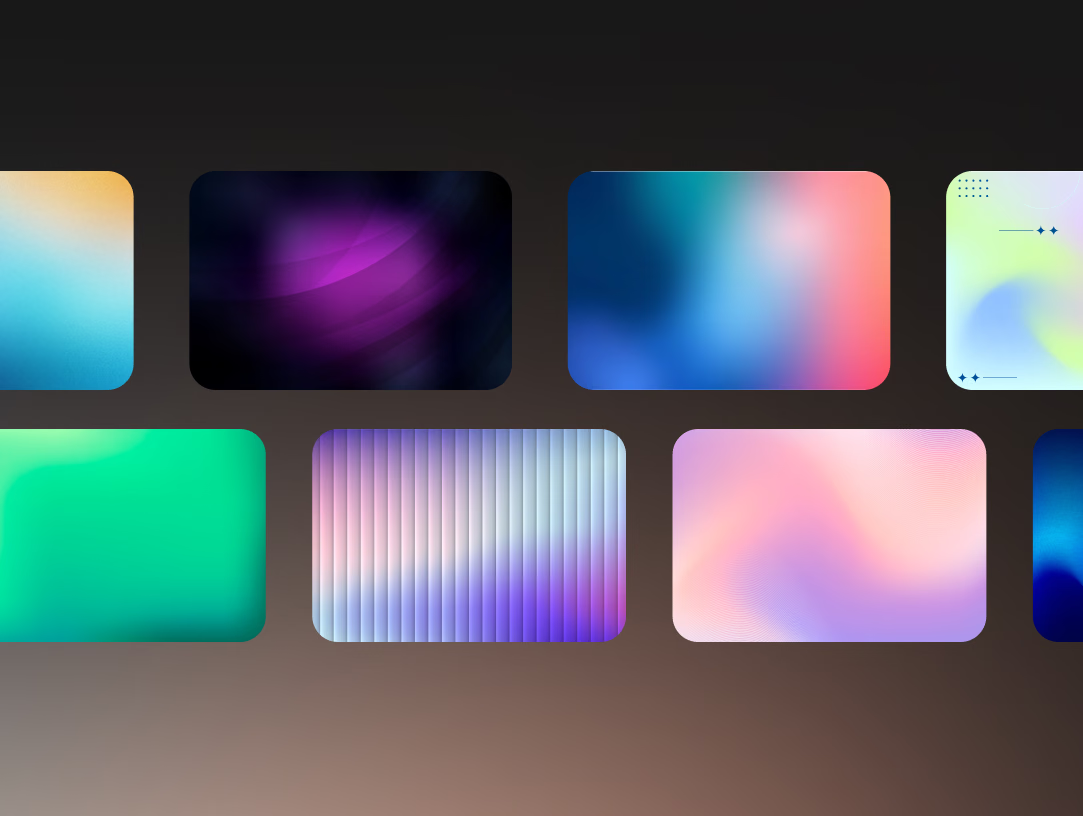
ASCII, halftone, dither, CRT and chrome, previewed as you drag.
Effects run on video, not just stills, at full frame rate.
Everything renders on-device, so nothing is ever uploaded.
ShaderLab started as a stills tool. It now runs the whole effect stack over video, frame by frame, on your own GPU, so the preview stays live while you tune the parameters. Exports go up to 4K as PNG, JPG, WebP or video, and the footage never leaves your machine.
Jul 15, 2026
Version 1.3
Animated 3D mockup presets
Twenty-four looping layouts that move on their own.
Feature list
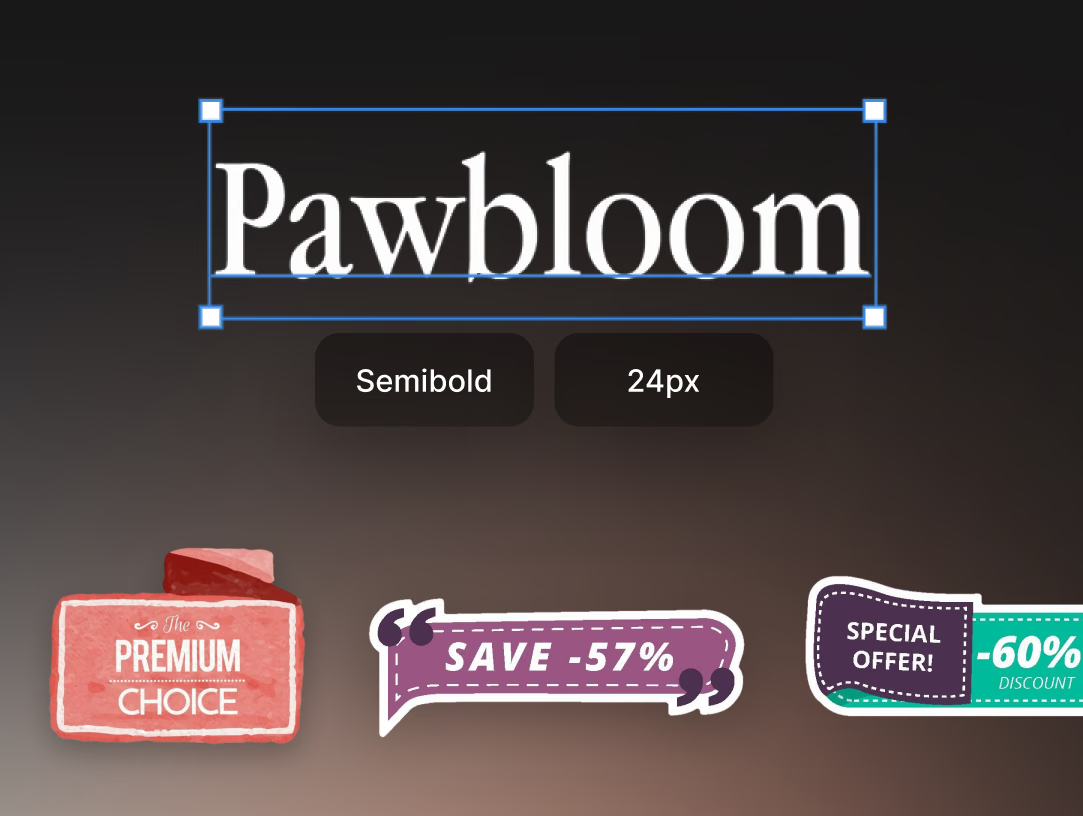
Carousels, stacks and card grids, ready for your screens.
Orbit, tilt and light any device scene until the angle feels right.
Loops export at their exact length for a seamless repeat.
MockupLab ships with 24 animated 3D layouts. Drop your screens in, pick a preset, and the scene animates itself. Headlines, captions and PNG stickers can ride along with timed entrances, and every camera move you set on the canvas is what gets rendered into the export.
Jun 3, 2026
Version 1.2
Faster exports, and WebM
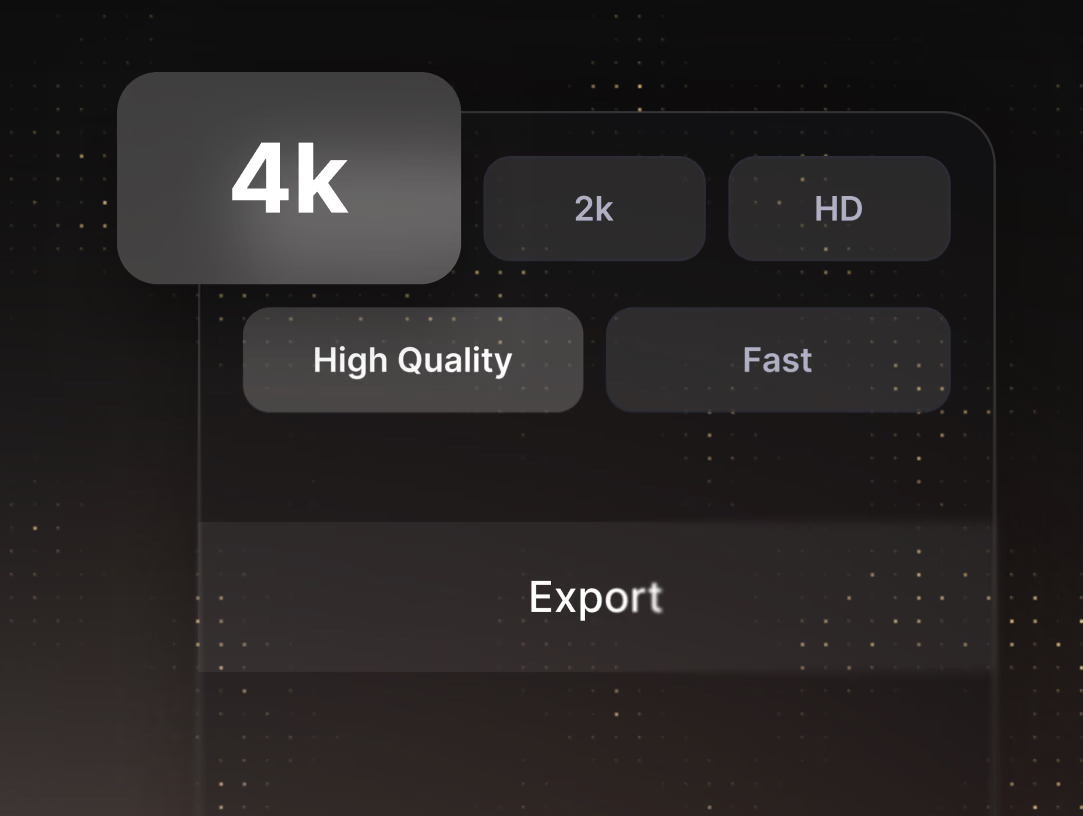
Render HD, 2K and 4K in seconds instead of minutes.
Feature list
MP4, WebM and PNG output, with a target file size.
Hardware encoding cuts most render times roughly in half.
Exports run in the background while you keep editing.
The export pipeline moved onto the hardware encoder, which took most renders from minutes down to seconds. WebM joined MP4 and PNG, you can aim at a file size rather than guessing at a bitrate, and a render no longer locks the app while it finishes.
Apr 21, 2026
Version 1.1
Auto captions and key sound control
Speech becomes styled captions, keystrokes become sound.
Feature list
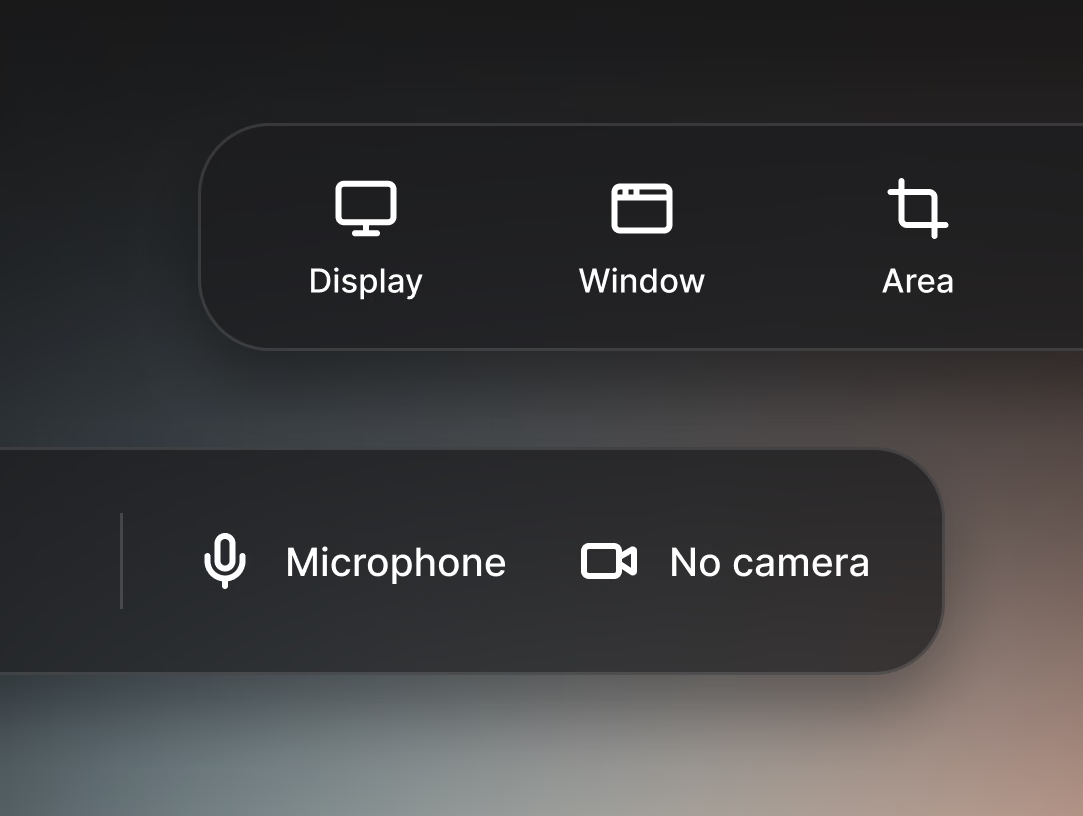
Speech is transcribed, styled and kept in sync automatically.
Keyboard and mouse click sounds in three flavours, with volume.
Trim, split and speed up on a timeline that stays simple.
Captions are generated from the recording itself, so you pick a look once and the words stay in step with the audio. Key sounds add the soft, tactile or crisp click that screen tutorials usually lack, and the editing timeline gained trim, split and speed ramps without gaining a learning curve.